
Simply upload your PDF document and go
Do you want to create an interactive edition of your offline design paper? The simple Publizr publisher editor offers you the opportunity to convert your PDF document instantly.
Learn more >
Do you want to publish your design papers in a tempting way on your website or social networks? It doesn't matter how good-looking your design papers are, your readers will not get excited if you publish a flat PDF document on your website or social networks. A PDF document also has to be downloaded every time in full before it will open!
With the Publizr publisher editor you can quickly turn your PDF documents into tempting ePapers that open directly. Your readers will love to share your design papers via Facebook! New readers will also be reached because every single word in your online publications can be indexed by search engines, like Google. By adding links to your web shop, visitors of your ePapers will be converted to customers. Self publishing your PDF document made easy! You can even create page turning online design papers for FREE!
Do you want to create an interactive edition of your offline design paper? The simple Publizr publisher editor offers you the opportunity to convert your PDF document instantly.
Learn more >
Tempt your customers with interactivity in your page turning online design paper. Add URL links to web pages, for example links to your web shop and YouTube videos. Use your publication to increase your sales.
Learn more >
Your visitors will surely rave about the display quality and the multi-page flip effect when browsing several pages at once. Optimizing their engagement and eagerness to share your page turning online design paper via Facebook.
Learn more >
Unrivalled qualityWith Publizr you offer your readers an unrivalled brand experience. Even on the biggest monitors, text and illustrations appear razor sharp. 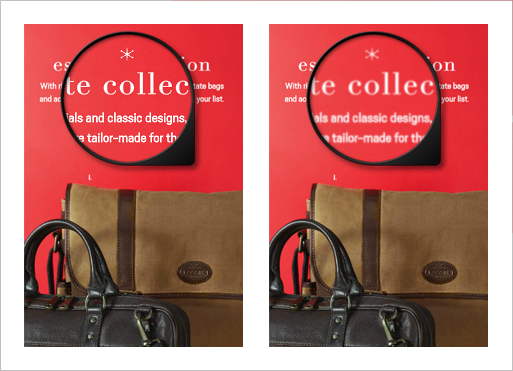
|
Smoothest turning pagesYour readers will love the smooth-turning pages as well as the tempting flip effect when they are browsing several pages at once. 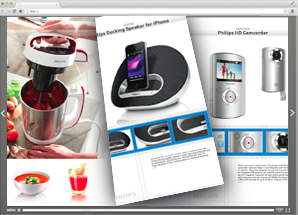
|
Intuitive menuWith the stylish menu you offer your readers a top-notch brand experience. The clean reader ensures that your ePaper gets full attention. 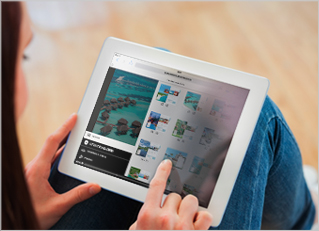
|
Quick PDF conversionCreating your page turning online design paper is a breeze. Drag & drop your PDF document and your ePaper is ready within a few minutes. Easy does it! 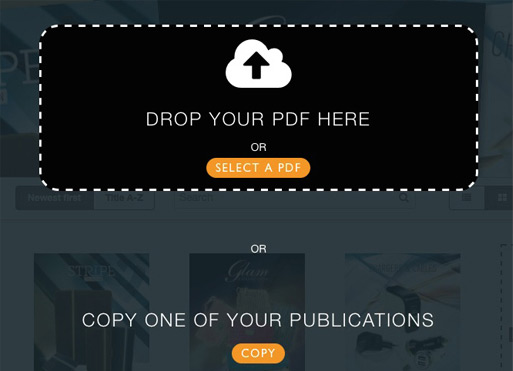
|
Drag & drop linksWith the user-friendly editor you can drag & drop links frames onto pages to add interactivity. Frames can be aligned easily with the snap feature. 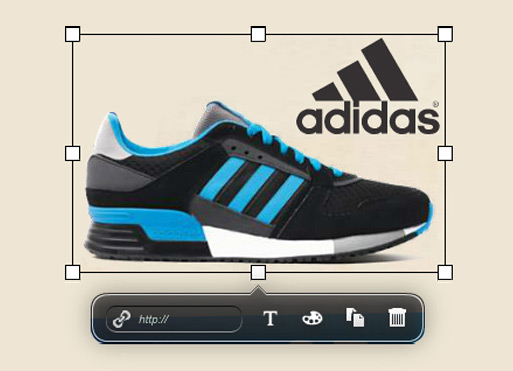
|
Cross-platformYour readers can instantly view your ePapers on desktops in their browser without downloading apps. 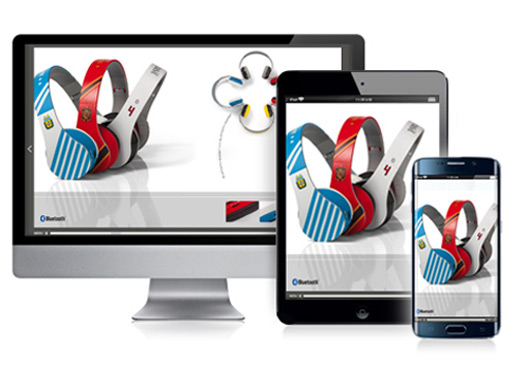
|
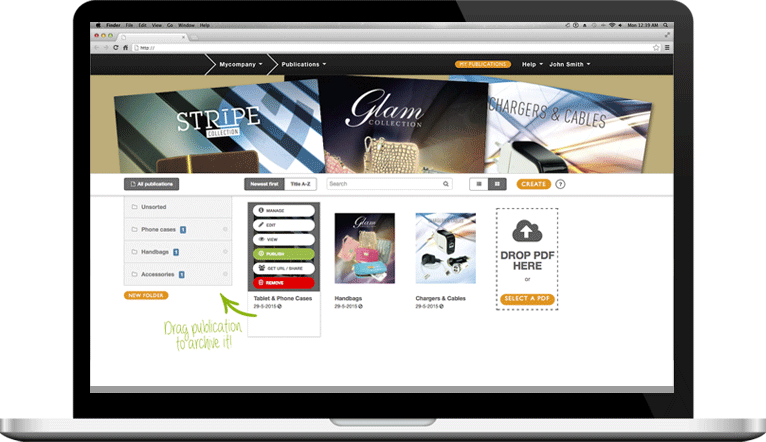
We're trusted by nationally recognized brands as well as local companies, so you're in good company! Our customers like to turn their flat PDF documents into tempting page turning online design papers that spark their customers and can be viewed on desktops. And because of that leading to higher sales results.
At Publizr we are passionate about offering the best PDF document publisher editor. To help you create top quality online publications: internet magazines, ecatalogs, online pamphlets and flyers, digital brochures, ePapers, online books, newspapers, journals and more. View some examples and get inspired! With our user-friendly publisher editor self creating page turning online design papers is very easy. We only strive for the best. That's our signature.






You can create as many page turning online design papers as you like with the user-friendly Publizr publisher editor. First, create a free account, no credit card required. Next, you will be able to convert your PDF documents and create unlimited ePapers, making use of all Publizr features. After your 14-day free trial period, you decide which plan you prefer. You can continue with one of the premium plans or opt for the free plan.
All ePapers contain unlimited pageviews and software updates and you don't need a web host. Due to our global CDN network, your readers will be able to view your page turning online design papers fast and reliable, all over the globe.